A QR code plant label is a physical marker whose printed QR code opens a linked digital Plant Record. The tag keeps identification simple and visible; the QR code adds a deeper, updatable record for care notes, watering history, growth updates, and photos. This guide explains what they are, how they work, and when they fit a garden.
For a side-by-side comparison with traditional tags, read QR code plant labels vs traditional plant labels. For the general labeling method, start with how to label plants.
What a QR code plant label is
A QR code is a machine-readable code that provides quick access to information. DENSO WAVE's QR Code explanation describes the code itself; what you see after a scan depends on the service connected to it. In a plant label, that service is Acemaker QR Log.
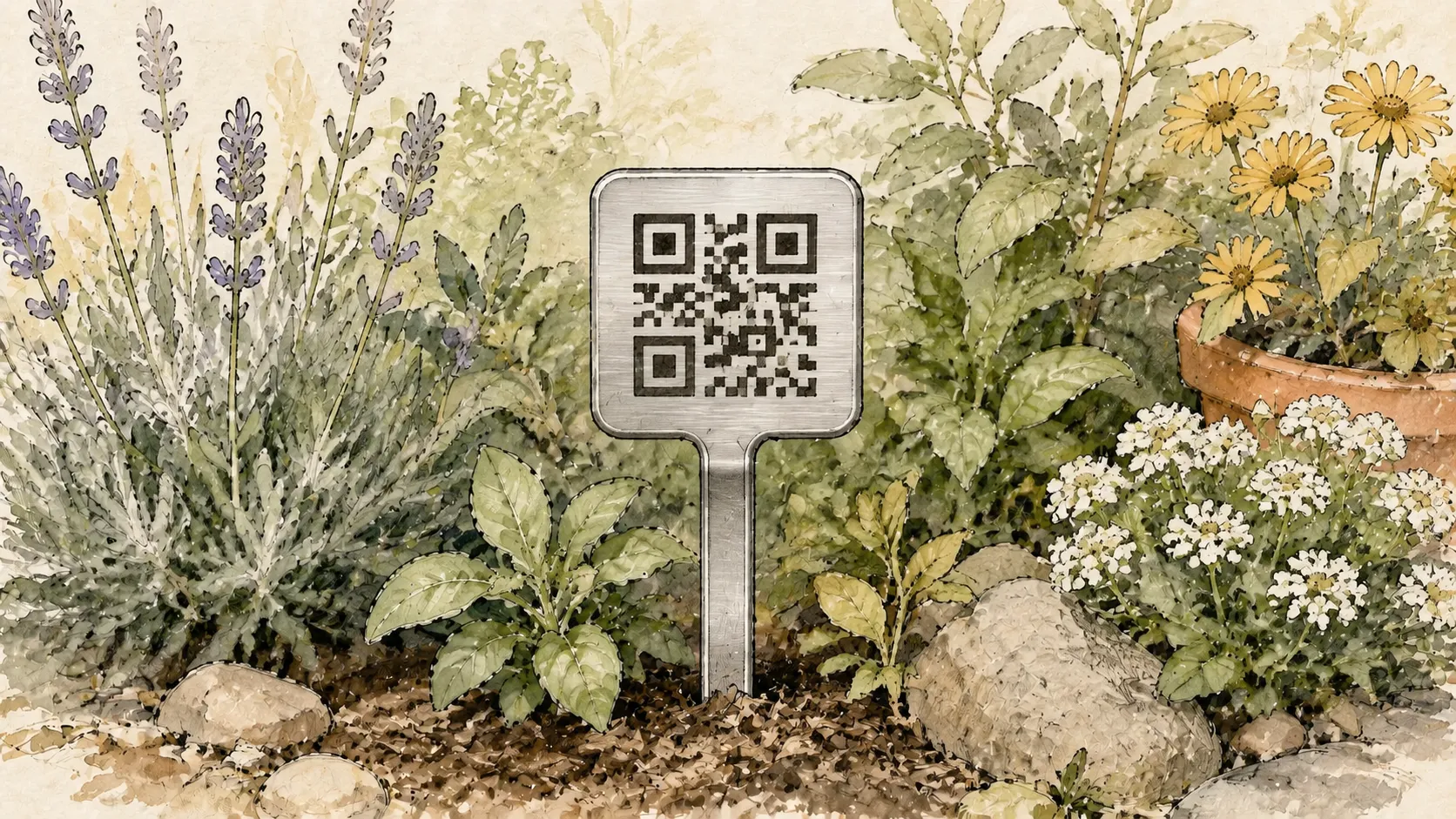
According to the official Acemaker product listing, Acemaker QR Plant Labels are T304 stainless steel labels. Each label carries a unique QR code linked to one Plant Record. The physical plate shows a readable name; the code opens the record.
How QR code plant labels work
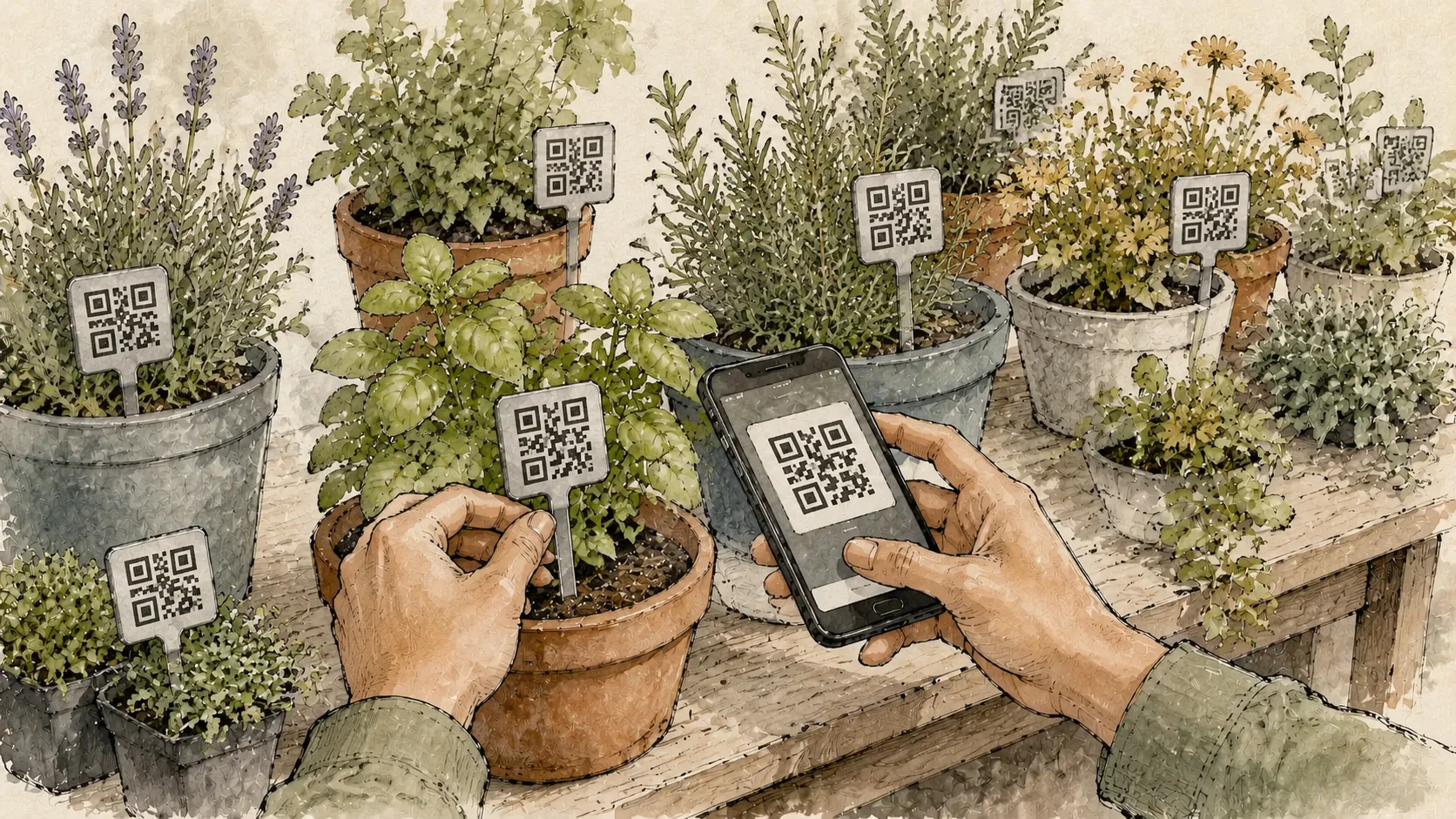
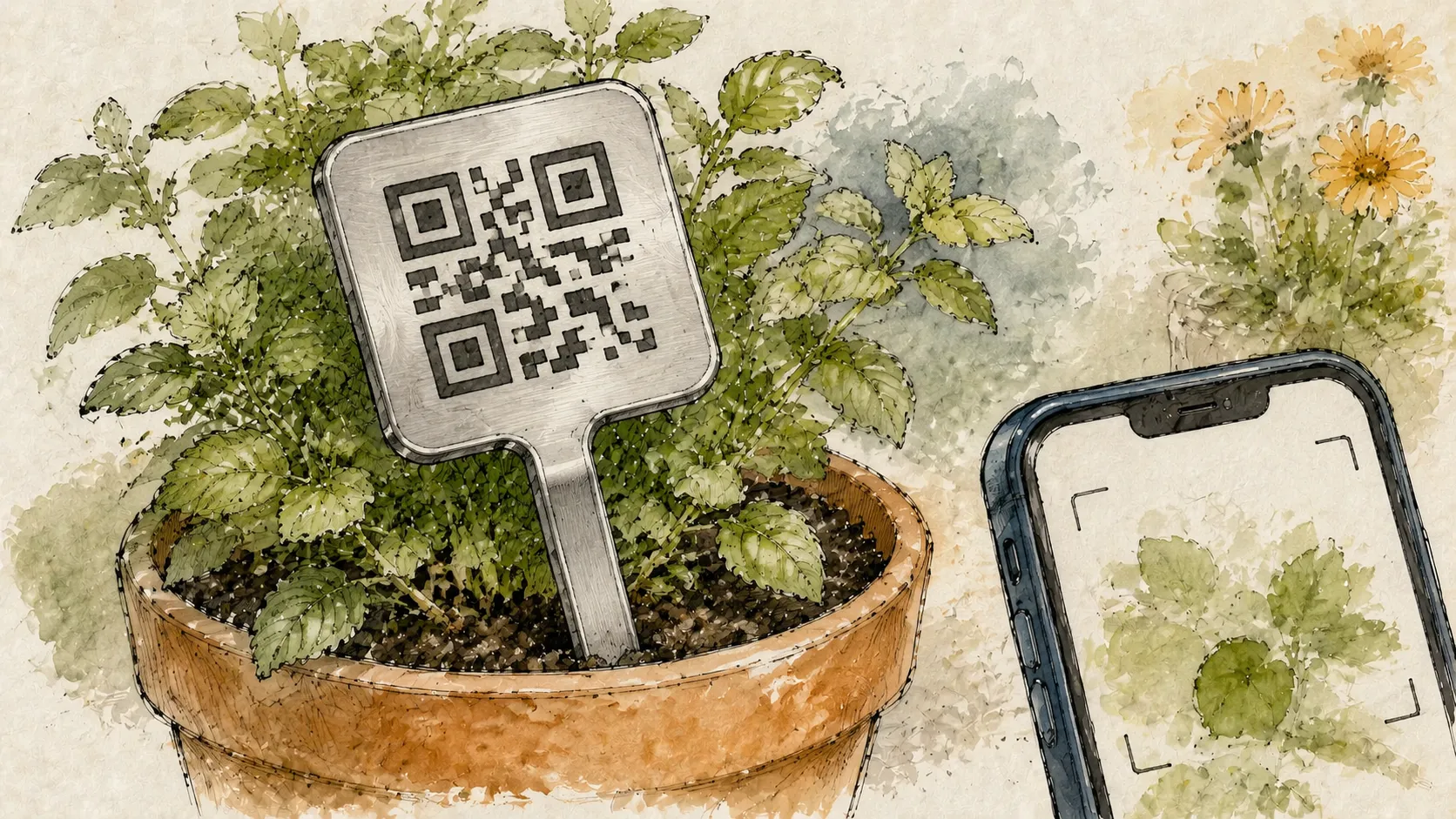
- Scan the code. Use a phone camera to scan the QR code on the label.
- Open the Plant Record. The scan opens the linked Plant Record in Acemaker QR Log.
- Bind the label. Sign in or create an account to connect the label to the plant. Acemaker QR Log is free to use with no monthly subscription.
- Add details. Record plant names and varieties, care notes, user-recorded watering history, growth updates, and Plant Photos.
- Update over time. Scan again later to add entries without rewriting the physical tag.
The physical tag and the digital record stay connected to the same plant. The tag identifies the plant at a glance; the record holds the history.
What you can keep in a Plant Record
After binding an Acemaker QR Plant Label, you can add:
- Plant details and variety information
- Care notes and growth updates
- Watering history entered by the user
- Ordered Plant Photos (a plant may have up to six, with the first as the cover)
- A public view or shareable poster when you choose to share the plant
Private Plant Collections can group Plant Records by bed, season, variety, or another system you choose. A collection is an organizing aid; it does not replace the plant's name or its Acemaker QR Plant Label.
What QR code plant labels do well
- Keep the tag simple. A short visible name is enough; the longer record lives behind the code.
- Update without rewriting. Changed variety, location, or care notes? Edit the linked Plant Record, not the tag.
- Share with helpers. A public Plant Record gives a family member, helper, or visitor more context without rewriting the label.
- Look back next season. A maintained record keeps notes, dates, and Plant Photos for later reference.
What QR code plant labels cannot do
A QR code is a way to encode and retrieve information. It does not measure plant conditions or write care history automatically. Acemaker QR Log does not automatically measure soil, identify a plant from a photo, diagnose pests, schedule watering, or send automatic care reminders or notifications. The record is only as useful as the entries you choose to maintain.
A scan also needs a reachable code, a phone camera, and a connection to Acemaker QR Log. An account is needed for binding and editing; a visitor can view a Plant Record only when the owner has made it public.
When QR code plant labels make sense
Choose a QR-based system when you:
- Want plant details and care notes tied to the physical tag.
- Need user-recorded watering history or growth updates in one place.
- Want to keep Plant Photos with the plant's record.
- Share care responsibilities with family, helpers, or a small team.
- Prefer updating a digital record instead of rewriting the physical label.
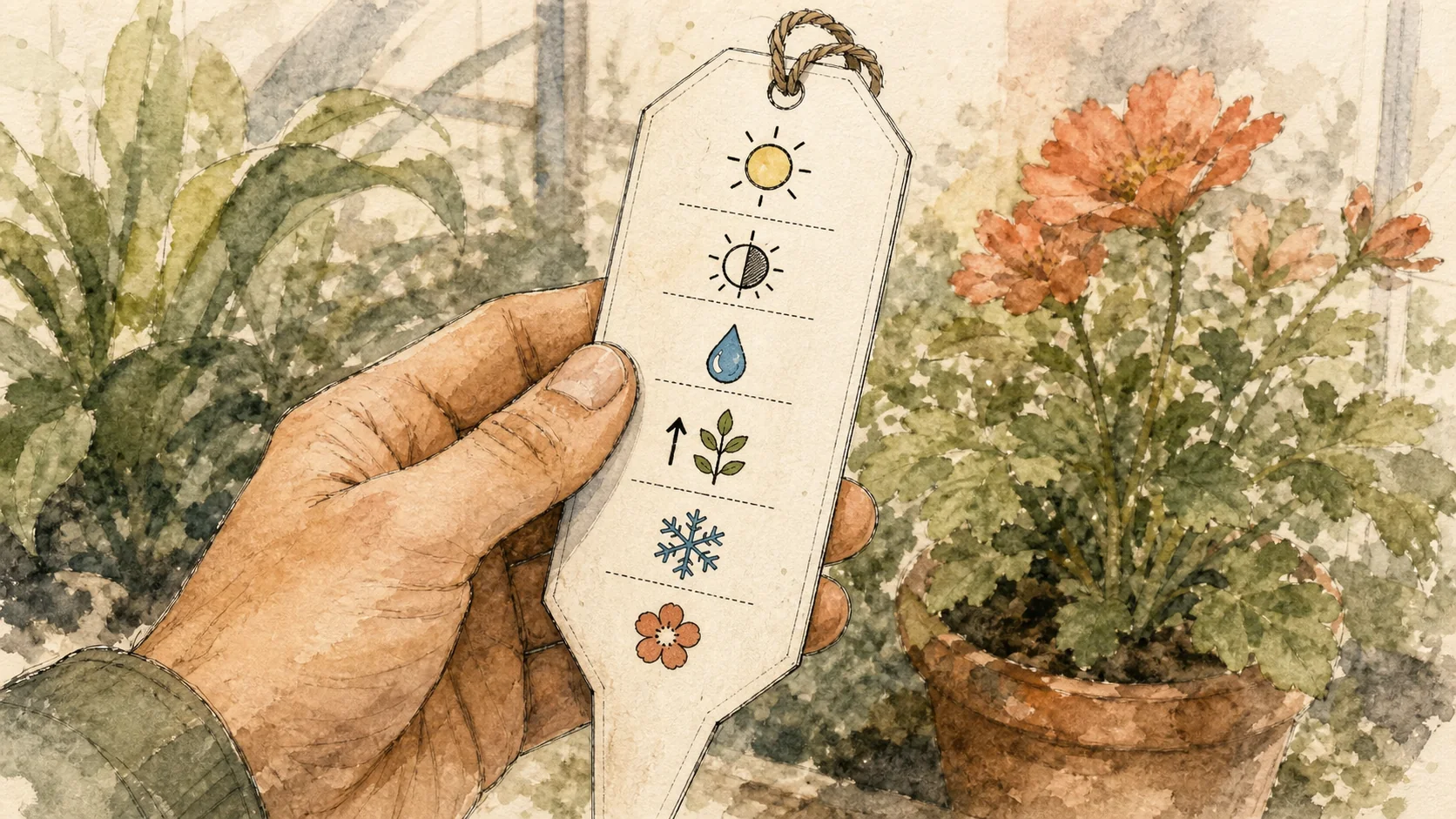
If you only need a temporary name for a seedling, a basic physical label may be the better fit. For choosing material by scenario, see the best way to label plants; for the garden-marker angle, see QR code garden markers.
Start using QR code plant labels
- Get an Acemaker QR Plant Label and place it where the code stays reachable.
- Scan the QR code with your phone camera.
- Sign in or register to bind the label to a Plant Record.
- Add the plant name, variety, and any details that will matter later.
- Keep the record updated as the plant grows; smart gardening tips covers the ongoing recording workflow.