Smart gardening does not require a promise of automation. A reliable setup starts with a readable physical label, a record you update intentionally, and clear limits about what each tool does. Acemaker QR Plant Labels and Acemaker QR Log support that record-keeping workflow; they do not automatically measure plants or send care reminders.
What smart gardening means here
In this guide, smart gardening means using digital tools where they reduce repeated writing or make information easier to find. It does not mean that a label can identify every plant, diagnose every problem, or decide when a plant needs water.
A QR code is a machine-readable code that can provide quick access to information. DENSO WAVE's QR Code explanation describes the code itself; the information shown after a scan depends on the service connected to it.
Start with a stable plant identity
A digital record is only useful when it stays connected to the correct plant. Before adding detail:
- Give the plant a consistent name and, when useful, a variety or location.
- Place the physical label where the plant and code remain easy to identify.
- Check the label after moving, dividing, or repotting the plant.
- Keep the physical identifier and digital record together when responsibility changes.
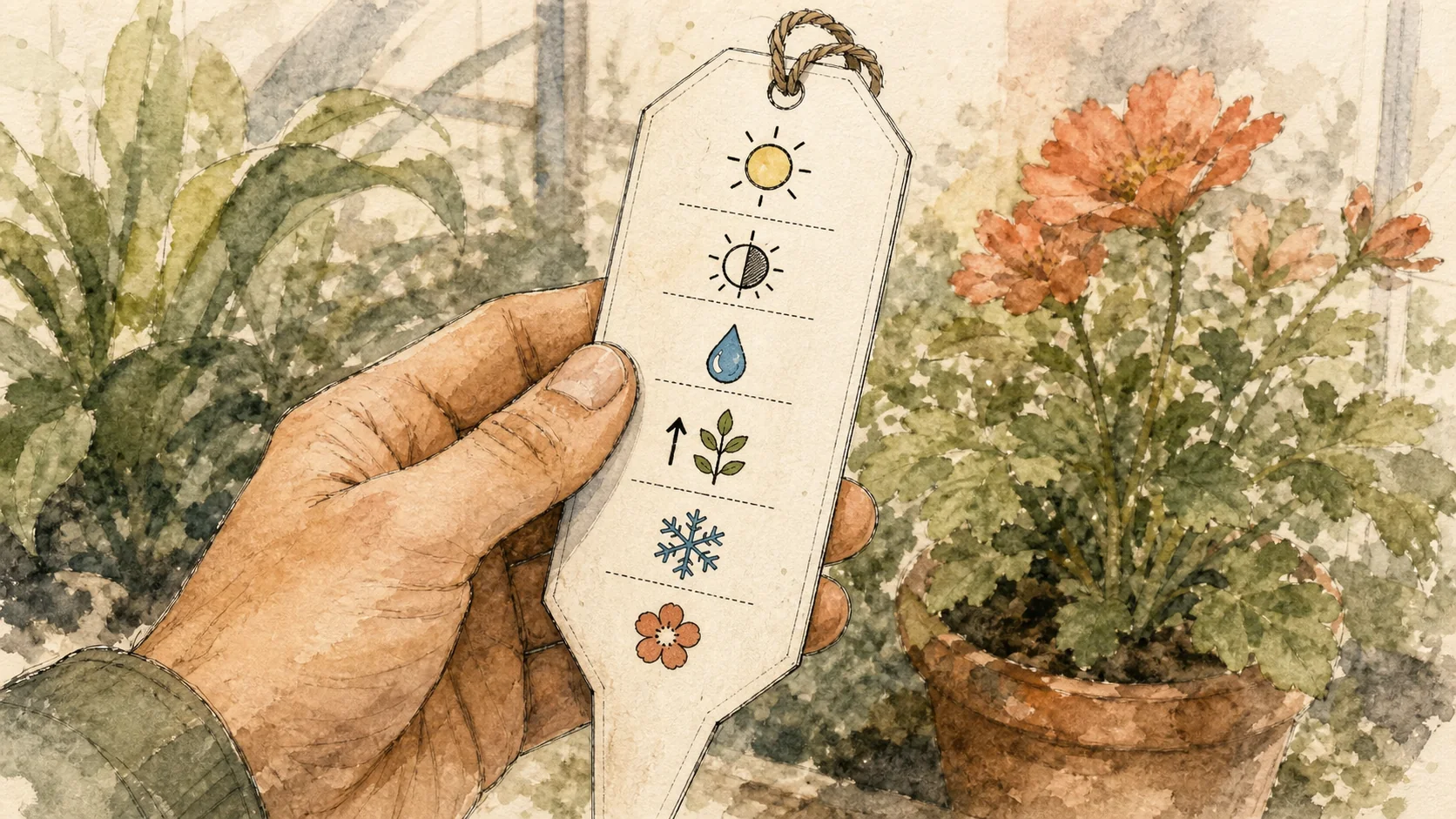
A short, readable visible name still matters. A QR code should add context, not make basic identification impossible when a phone is unavailable.
What Acemaker QR Log can record
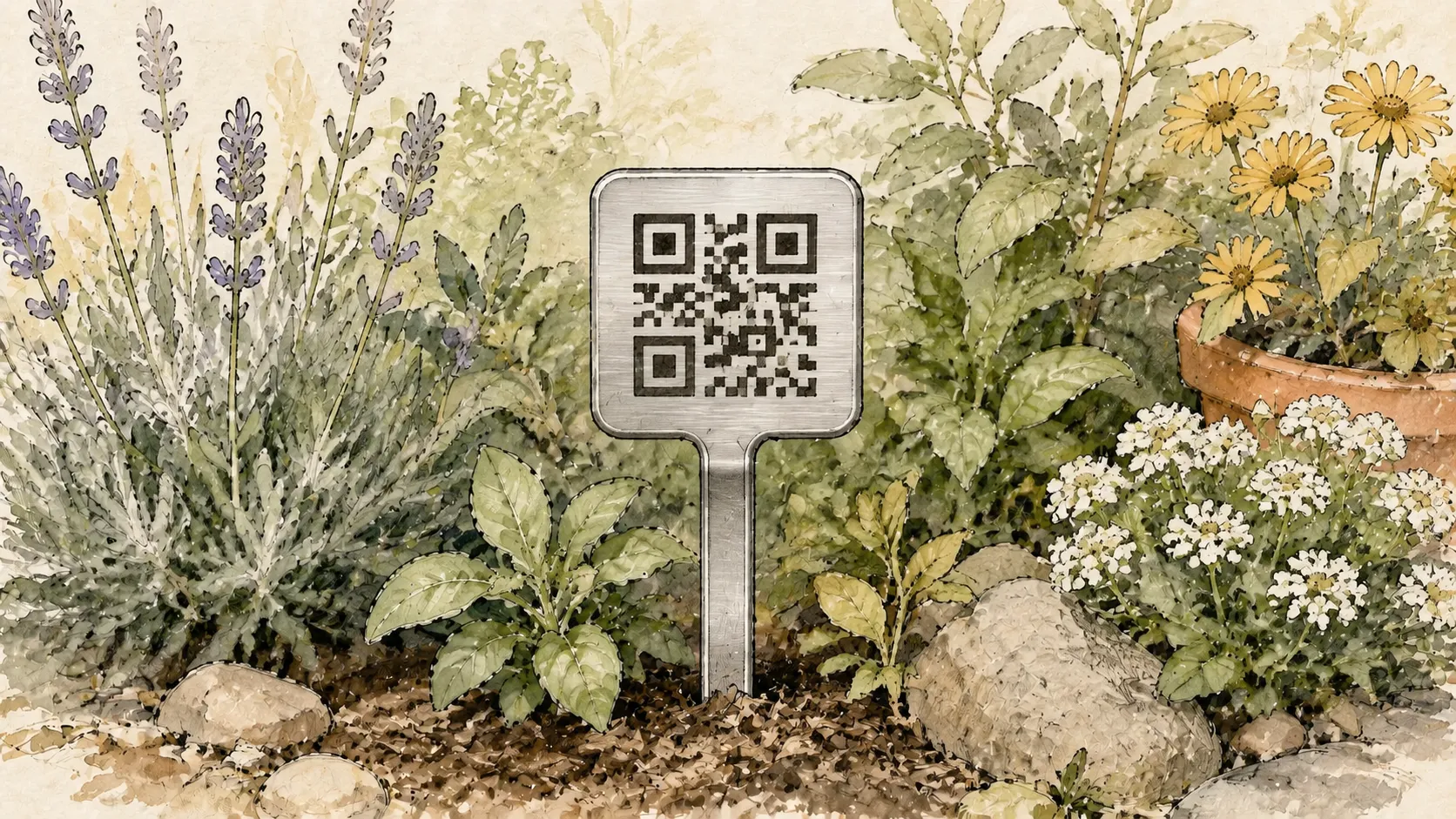
Acemaker QR Plant Labels are made from T304 stainless steel according to the official product listing. Scanning a label opens a Plant Record in Acemaker QR Log. After signing in or registering, the owner can add:
- Plant details and variety information
- Care notes and growth updates
- Watering history entered by the user
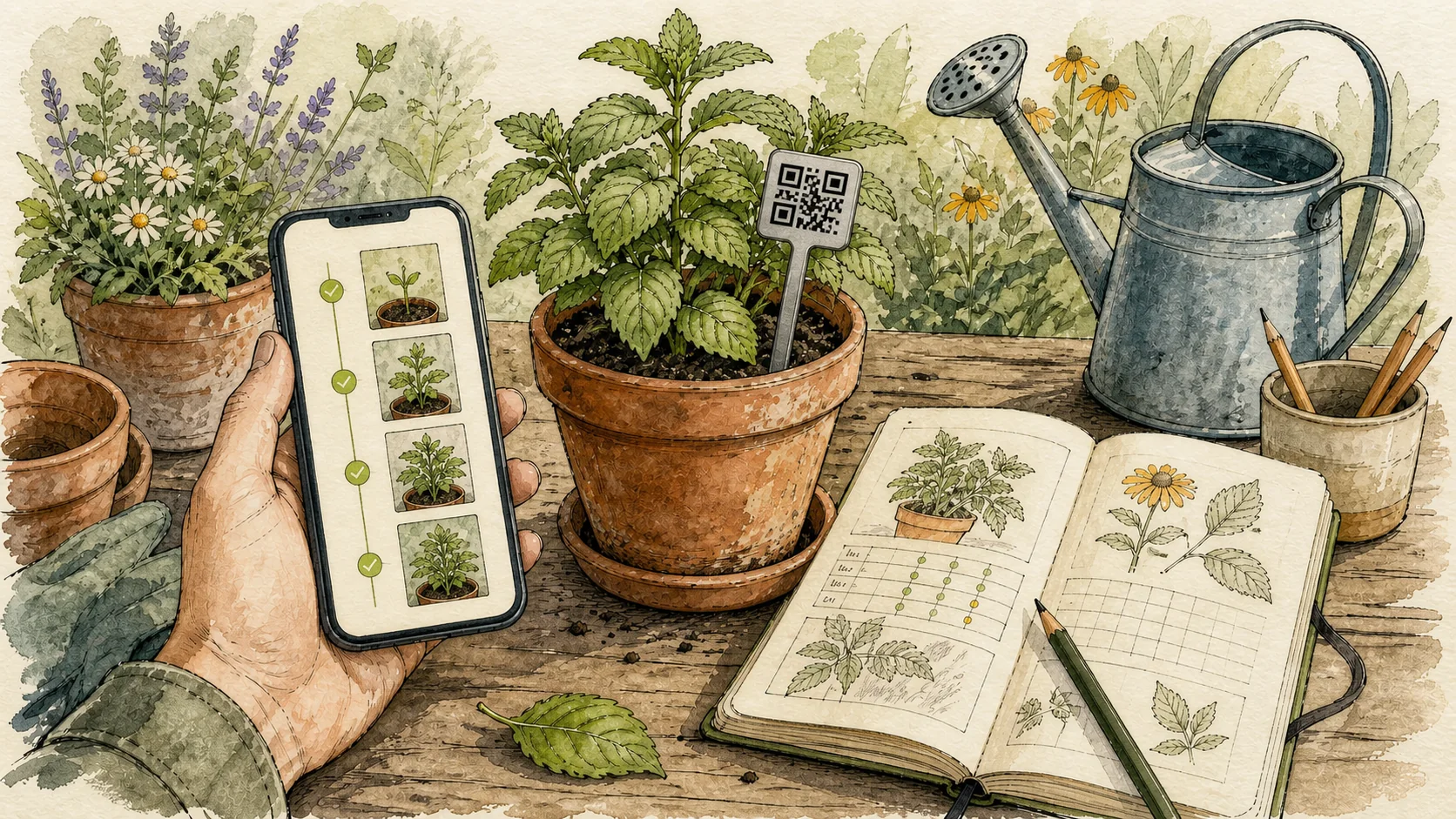
- Ordered Plant Photos
- A public view or shareable poster when the owner chooses to share the record
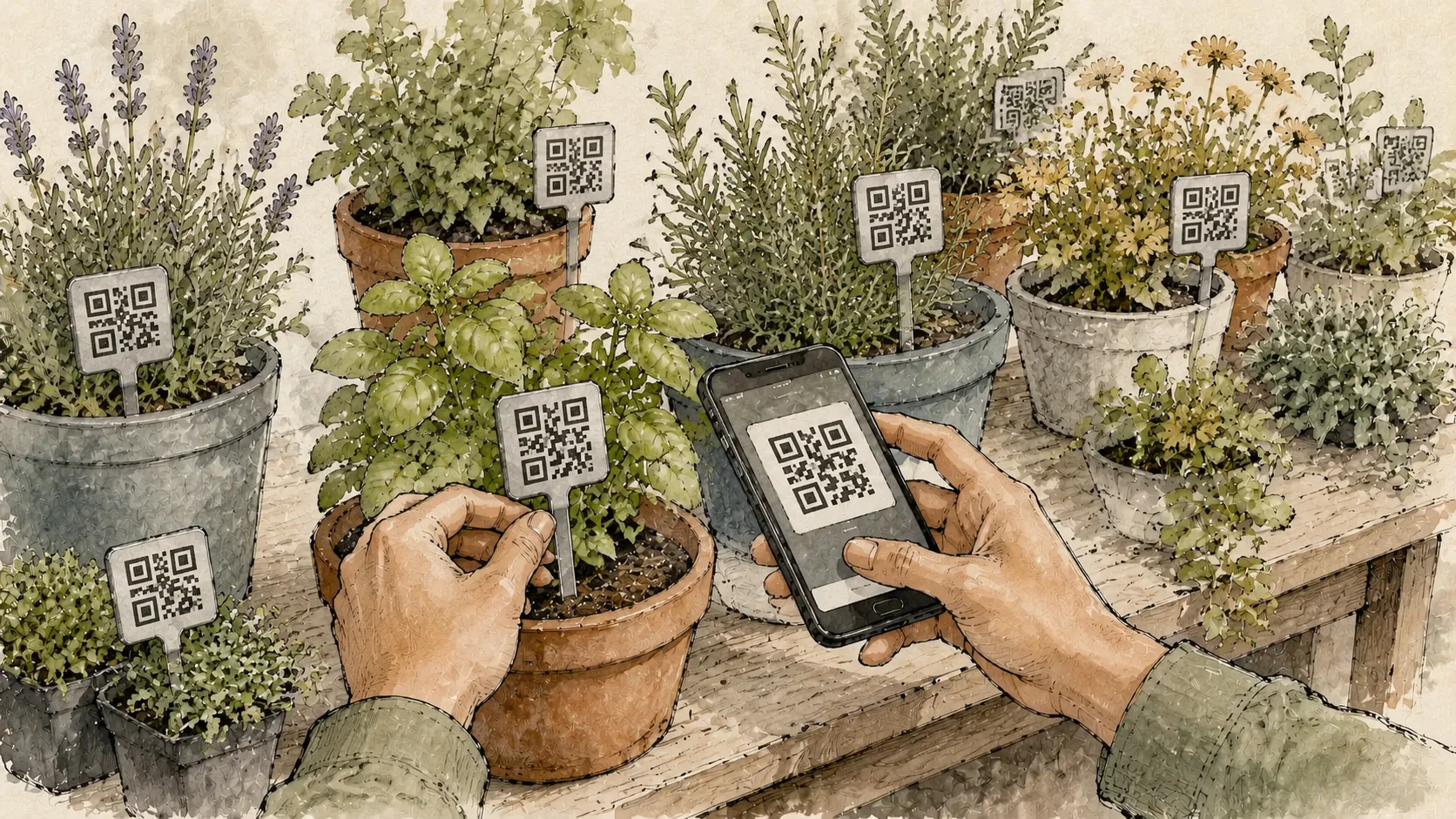
An account is required to bind a tag and create or edit its record. The How to Label Plants guide shows the scan, bind, edit, and sharing flow.
Keep the record useful
Write entries that answer a future question
Instead of saving only “watered,” add the date and a short observation when it matters. You might record a location change, a pruning decision, a new variety name, or what you noticed in a growth photo. The record is only as useful as the entries you choose to maintain.
Use photos as ordered evidence of change
Choose photos that make comparison easier: use a similar view when you are tracking growth, or capture a detail when the leaf, flower, or stem is the important part. Acemaker Plant Records support ordered Plant Photos; they do not turn those photos into an automatic diagnosis.
Group records without changing plant identity
Private Plant Collections can group Plant Records by bed, season, variety, or another system you choose. A collection is an organizing aid; it does not replace the plant's name or its Acemaker QR Plant Label.
Know the boundaries
Acemaker QR Log stores the records you enter. It does not automatically measure soil, identify a plant from a photo, diagnose pests, schedule watering, or send automatic care reminders or notifications. If your garden needs another tool for a separate task, keep that tool's results distinct from the Acemaker Plant Record instead of presenting them as built-in features.
The physical label also has practical limits. A scan needs a reachable code, a phone camera, and a connection to Acemaker QR Log. An account is needed for binding and editing, while a visitor can view a Plant Record only when the owner has made it public.
A simple smart-gardening routine
- Label new plants before they are easy to confuse.
- Scan the Acemaker QR Plant Label and bind it to the correct Plant Record.
- Add the details that will matter later, rather than trying to document everything.
- Add a Plant Photo after a meaningful change or at a repeatable interval.
- Review the physical label and digital record after moving or dividing the plant.
- Unbind an Acemaker QR Plant Label only when you are ready to permanently remove its current Plant Record and Plant Photos before reusing the code.
Next steps
For a practical labeling system, read How to Label Plants. To compare the connected workflow with traditional tags, read QR code plant labels vs traditional plant labels. For QR labels specifically, see QR code plant labels.