Labeling plants in a nursery is different from labeling a home garden. The scale is larger, plants move in batches, and several people may need to read the same information. The goal is a consistent, batch-aware system where a label stays matched to the right plant and a record stays matched to the right label.
This guide covers the nursery workflow specifically. For the general labeling method, start with how to label plants; for choosing material by scenario, see the best way to label plants.
Why nursery labeling needs a system
In a nursery, a missing or mismatched label is not a minor annoyance-it can misidentify an entire batch, the wrong variety can reach a customer, and care history can be lost when plants change hands. A repeatable system prevents that by making the label and the record depend on each other rather than on memory.
The system has three parts: a naming format, a physical marker, and a linked record.
1. Choose one naming format for every batch
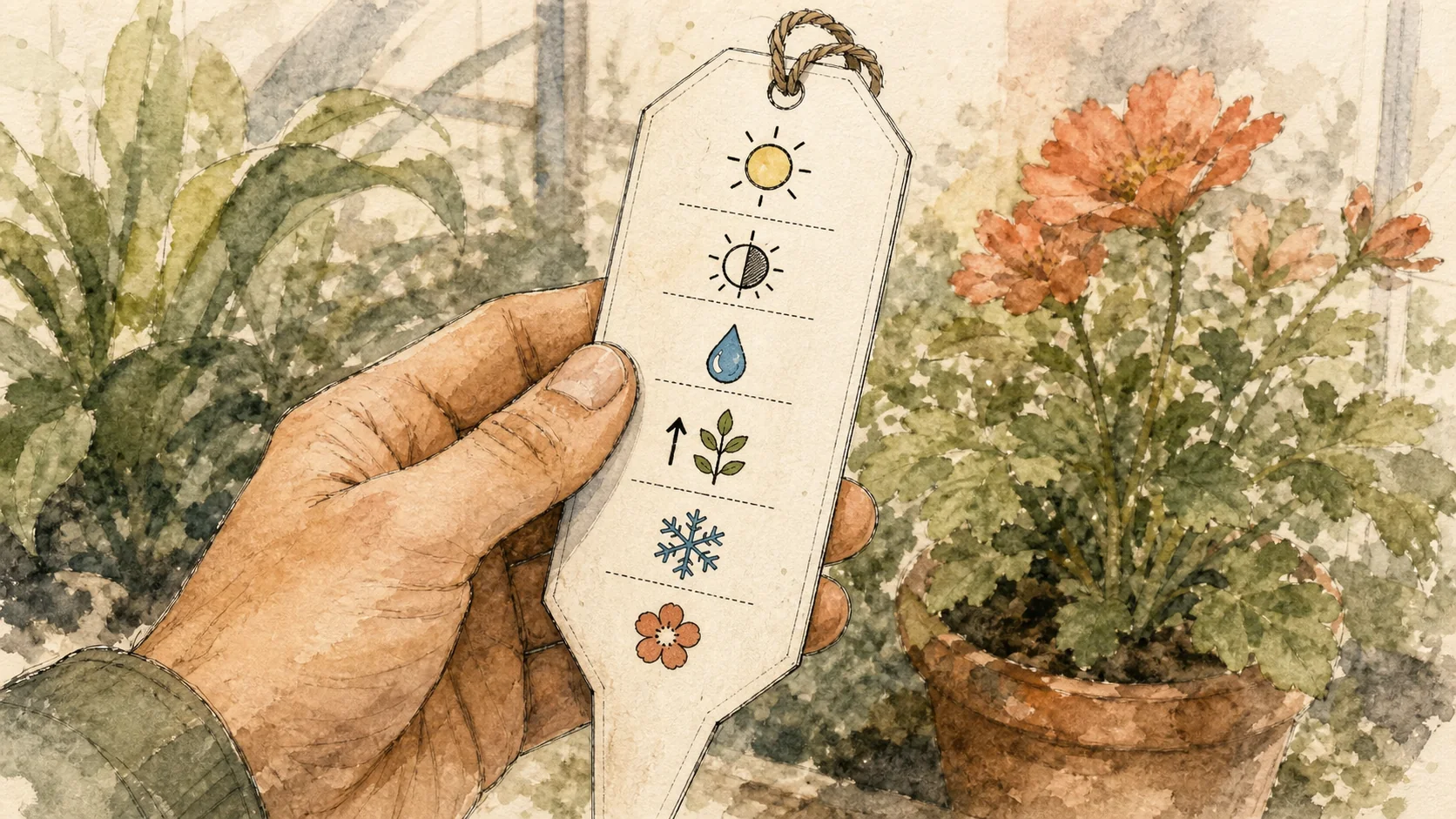
Use the same naming pattern throughout the nursery. A typical nursery label includes:
- Common name and variety (or botanical name and cultivar)
- A batch or lot identifier
- A sow, pot, or arrival date
- Pot size or location, when useful
Consistency matters more than a particular format. A label that is clear at potting should still make sense months later, after plants have moved benches or been repotted. Write enough of the name to distinguish the plant from similar varieties beside it.
2. Use a weatherproof marker
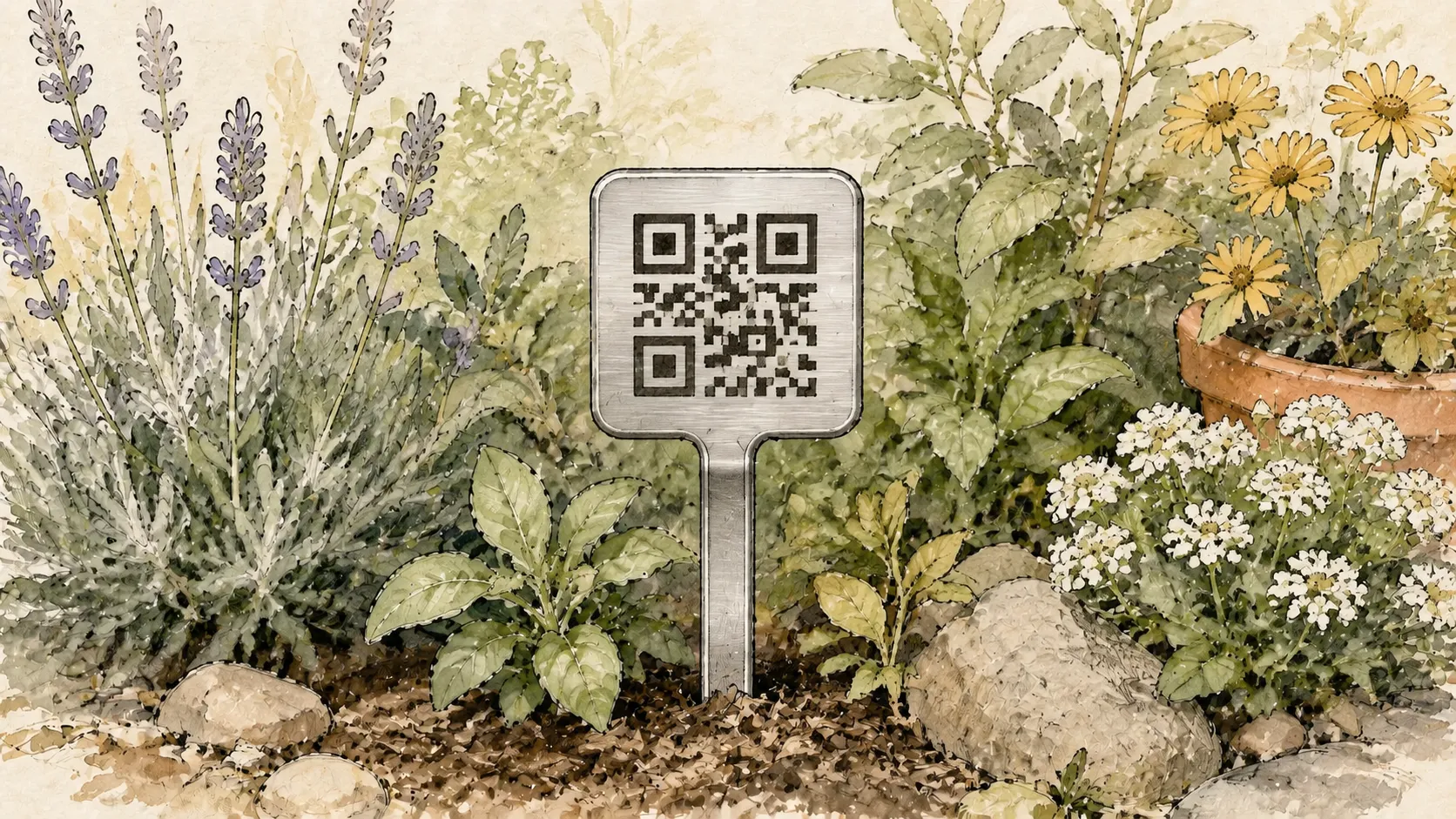
Nursery stock often sits outdoors for weeks or months. Choose a marker that survives sun, rain, frost, and handling. Metal and stainless steel labels resist fading and wear longer than paper, untreated wood, or ink that washes off. According to the official Acemaker product listing, Acemaker QR Plant Labels use T304 stainless steel, which is waterproof and weatherproof for outdoor use, with resistance to rust and everyday wear.
Place the marker close enough to identify the plant, but not where foliage, irrigation, or handling will hide it. Keep the face easy to see and the QR code easy to reach if the label links to a Plant Record.
3. Keep batch-level records
A tag can only hold so much. Keep the longer details in a record you can match back to the label:
- Source and supplier
- Sow, pot, and sale dates
- Variety and batch or lot identifier
- Treatment or spray history
- Growth observations and photos
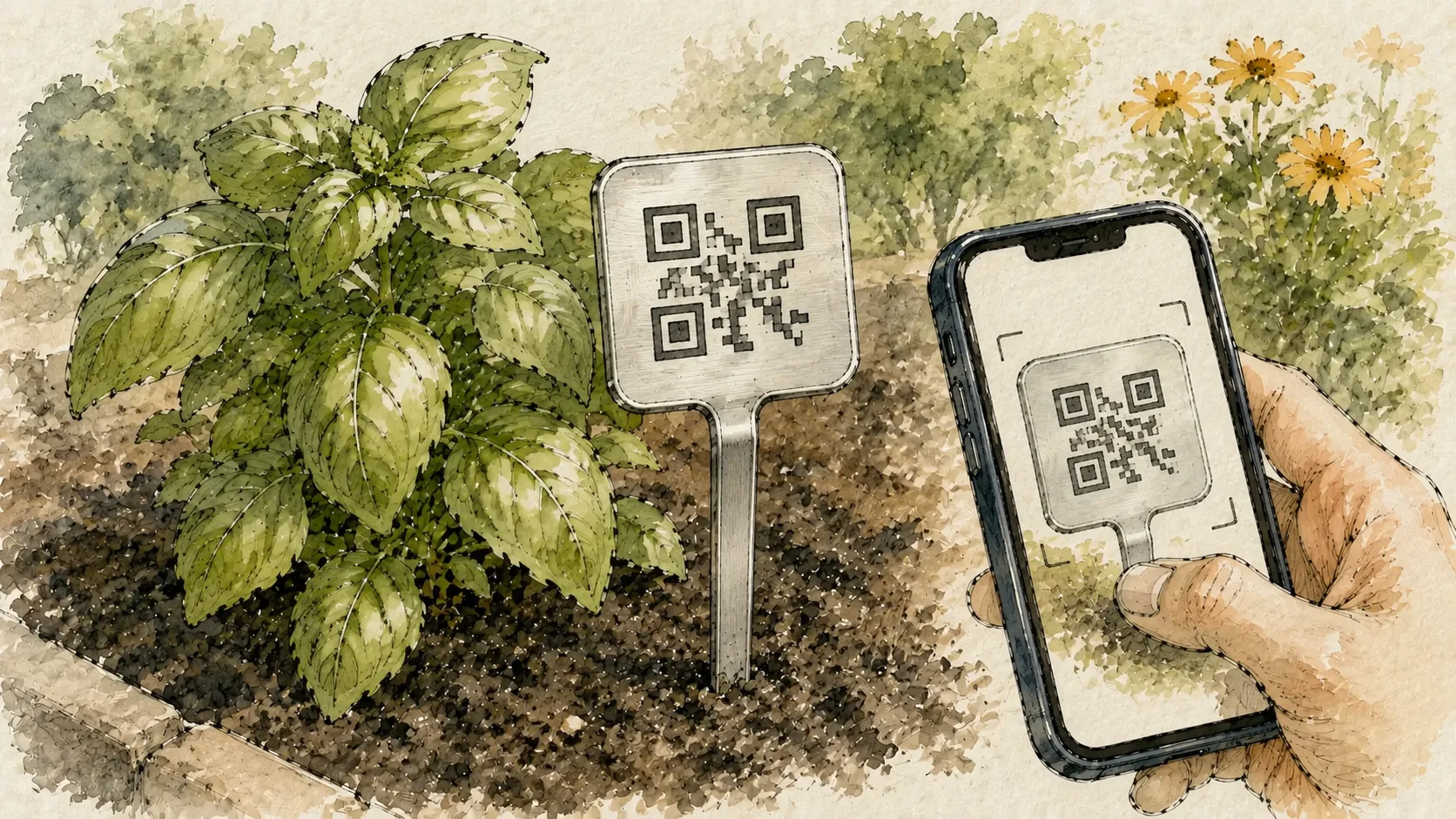
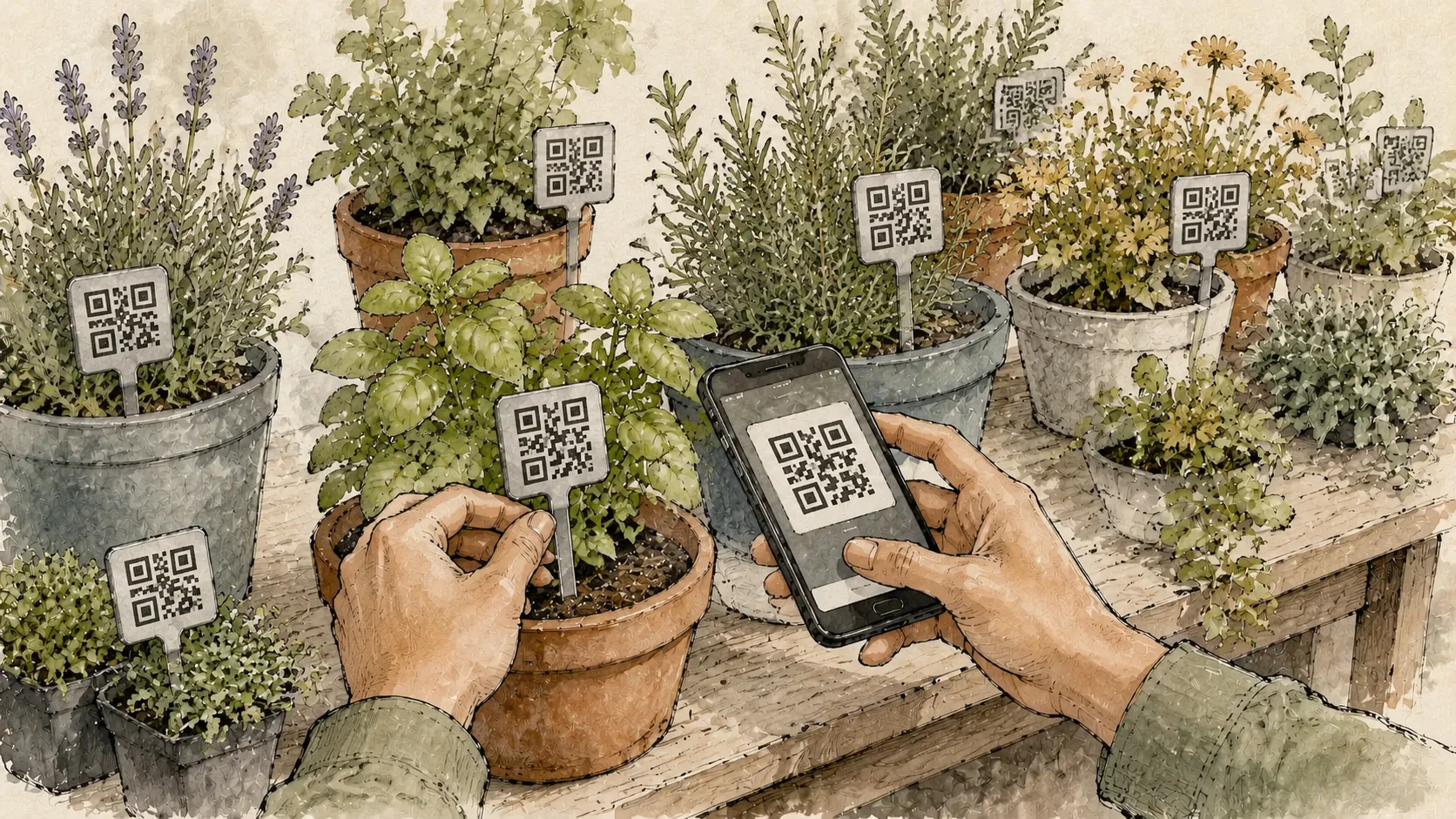
A QR plant label keeps the physical tag simple while linking each plant to a scannable Plant Record. After binding a label, staff can add plant details, care notes, user-recorded watering history, growth updates, and Plant Photos-without rewriting the tag.
A nursery labeling routine
- At potting, write the label using the nursery's naming format and attach it to the plant, not the pot, when the plant may be repotted.
- At batch entry, record the source, date, variety, and pot size in the linked batch or plant record.
- During care rounds, scan a QR plant label to add a watering entry or care note directly to that plant's record instead of relying on a separate notebook.
- Before sale or dispatch, confirm that the label, the photograph, and the container still belong together.
- After moving or dividing, review the label and the record so the identity does not drift to a neighboring plant.
University of California Agriculture and Natural Resources recommends confirming the picture, flower color, and container match before trusting any label-a useful check before a plant leaves the nursery.
Common nursery labeling mistakes
Inconsistent naming across batches
Different staff using different shorthand creates ambiguity. Agree on one format and use it for every batch.
Rewriting the tag for every update
A physical tag should identify the plant; it does not need to hold every care detail. A linked digital record can hold longer notes and photos without rewriting the tag each time.
Letting labels drift
A loose stake can move to a neighboring plant and misidentify a whole row. Check placement after moving, dividing, or repotting.
Separating the record from the plant
A notebook is useful, but information separated from the plant is easier to lose or misidentify. If the history matters, keep it with the Plant Record or another system you will actually maintain.
What Acemaker QR Log can and cannot do in a nursery
Acemaker QR Log stores the records staff enter. It does not automatically measure soil, identify a plant from a photo, diagnose pests, schedule watering, or send automatic reminders or notifications. An account is needed to bind a label and create or edit its record. For the full recording workflow, read smart gardening tips; for a comparison with traditional tags, read QR code plant labels vs traditional plant labels.