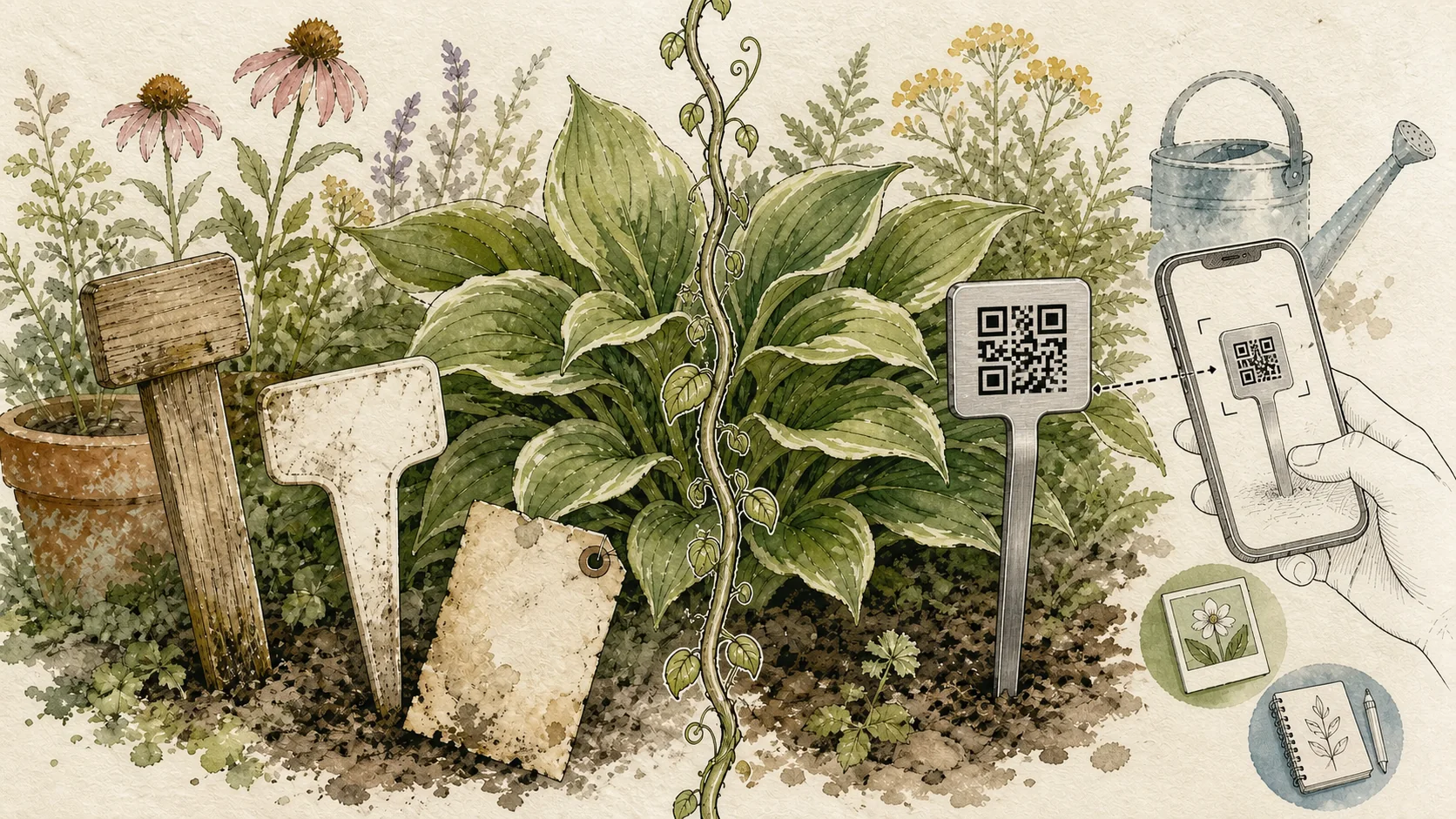
Traditional plant labels are usually the better choice when you only need a quick, visible name. QR code plant labels are the better fit when you also want a linked record for plant details, care notes, user-recorded watering history, growth updates, and Plant Photos. The trade-off is that QR labels require a phone to scan and a digital workflow to maintain.
Quick comparison
| Need | Traditional plant labels | QR code plant labels |
|---|---|---|
| Read the name at a glance | Very good when the writing is clear | Possible with a visible name, but the full record requires a scan |
| Durability | Depends on the paper, wood, plastic, or metal used | Acemaker QR Plant Labels use T304 stainless steel |
| Store information | Usually a name, variety, or short date | Plant details, care notes, user-recorded watering history, growth updates, and Plant Photos in a Plant Record |
| Update information | Rewrite or replace the physical label | Scan and edit the linked Plant Record without replacing the tag |
| Phone required | No | Yes, to scan the code |
| Account required | No | Sign in or register to bind and edit an Acemaker Plant Record |
| Share information | Someone must read the tag or a separate notebook | People can open a public Plant Record when the owner makes it public |
| Care history | Kept separately if needed | Stored as entries the user adds to the Plant Record |
What traditional plant labels do well
Traditional labels remain useful because they are simple and visible:
- You can read the plant name without a phone.
- They work for temporary seedlings and newly transplanted plants.
- They require no account, scan, or digital maintenance.
- They can be a straightforward choice for a small garden.
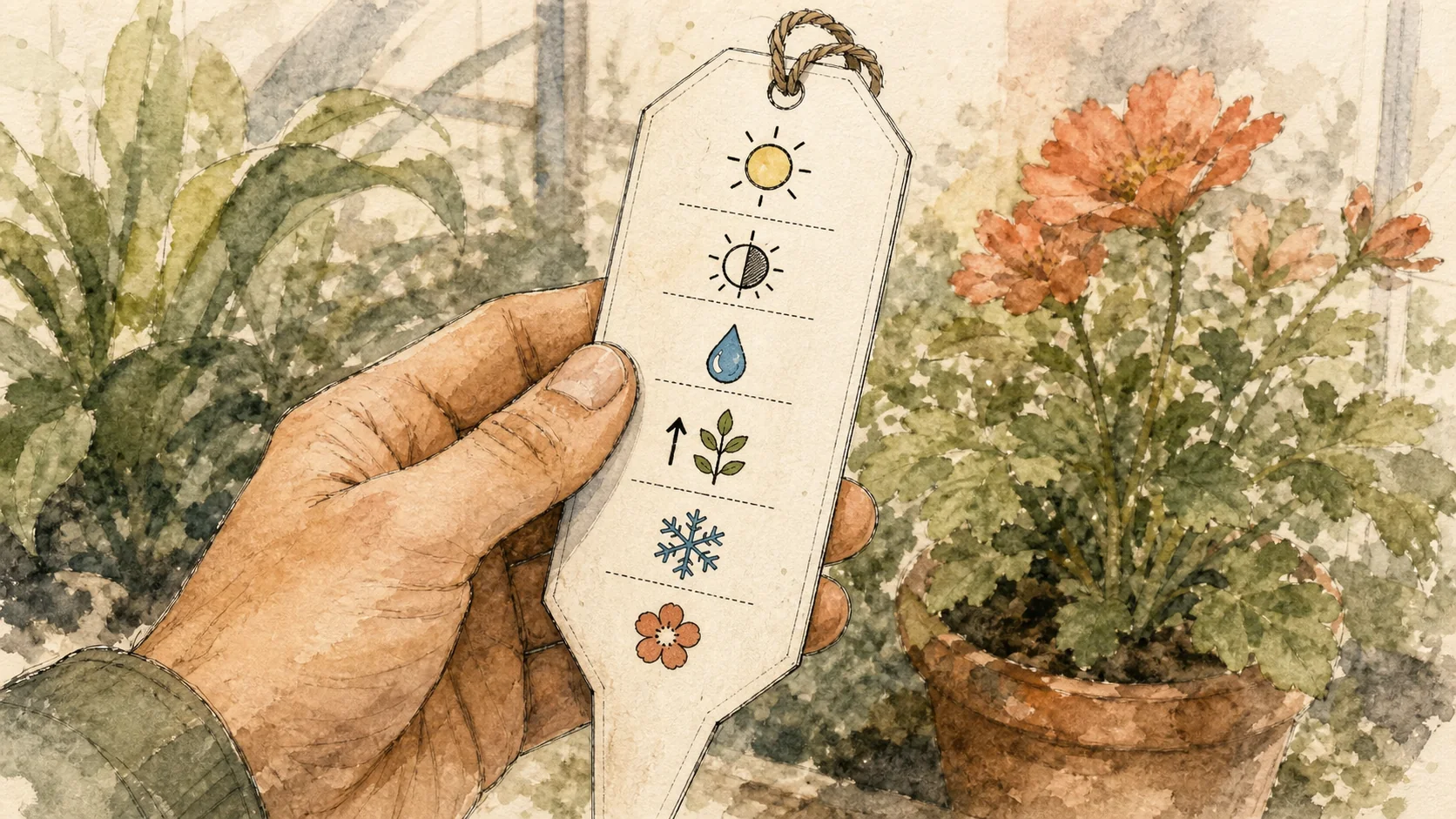
Their limitations appear when the garden needs more than a name. Small surfaces leave little room for planting dates, care notes, or photos. Ink can fade, wood can deteriorate, and changing the variety or location usually means writing a new label.
What QR code plant labels do well
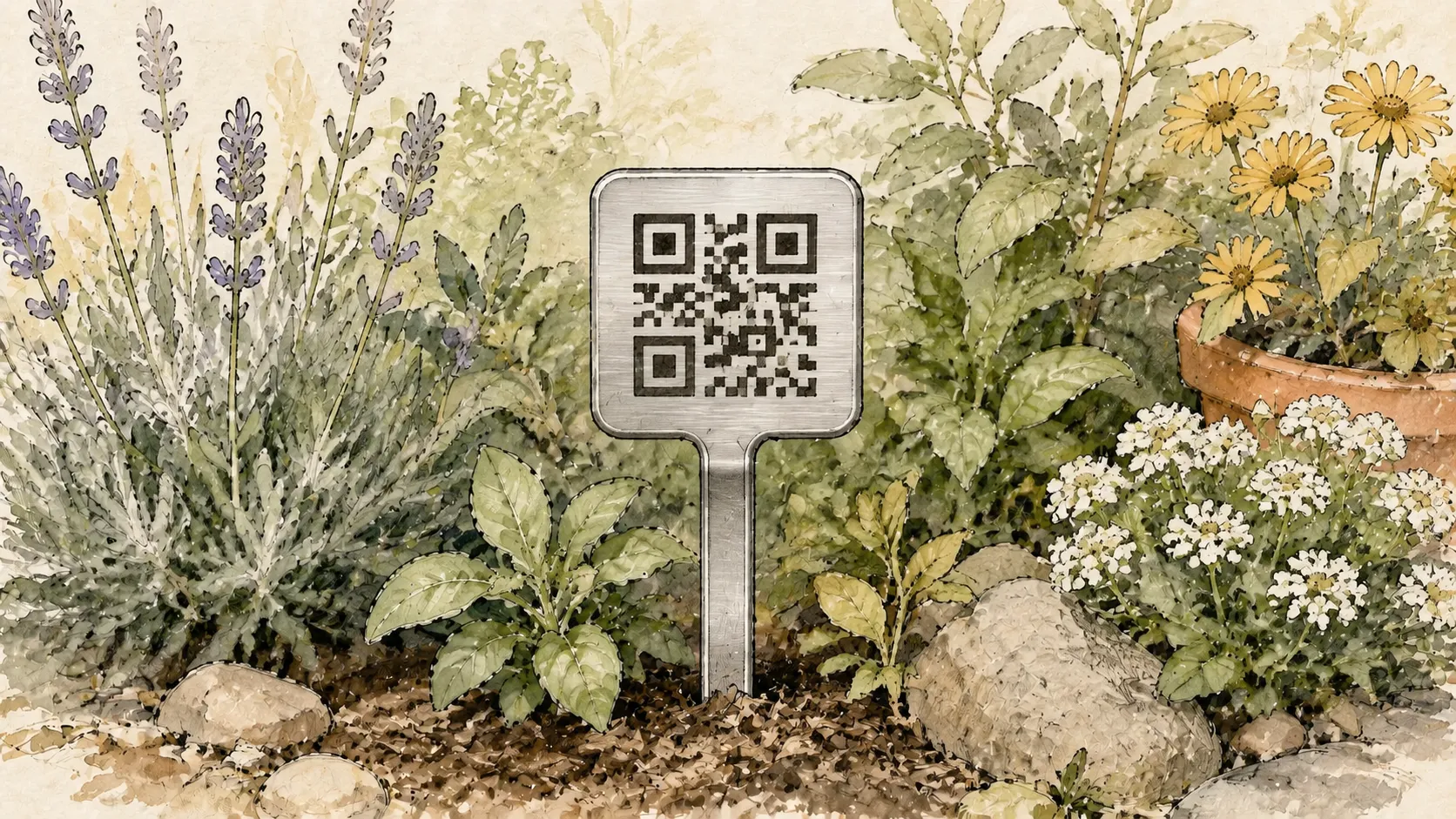
A QR label keeps the physical marker simple while moving the longer record into a linked Plant Record. According to the official Acemaker product listing, Acemaker QR Plant Labels use T304 stainless steel. In the connected record, you can add:
- Plant details and variety information
- Care notes and growth updates
- Watering history entered by the user
- Ordered Plant Photos
- A public view or shareable poster when the owner chooses to share the plant
The label still needs to be placed where the code can be reached, and the record is only useful when someone adds and maintains the entries. A QR code is a way to encode and retrieve information; it does not measure plant conditions or write care history automatically. See DENSO WAVE's QR Code explanation for the underlying code definition.
Trade-offs to consider
Quick identification versus deeper context
A traditional tag is hard to beat for a quick glance. A QR label is more useful when the question is not only “What is this?” but also “When did I plant it?”, “What did I record last time?”, or “Which photos show its progress?”
No technology versus a connected workflow
Traditional labels work without a phone. QR labels add a scan, sign-in, and record-keeping step, but they avoid squeezing every detail onto a small physical surface.
Replace the tag versus update the record
With a traditional label, changed information often means rewriting or replacing the tag. With an Acemaker QR Plant Label, the owner can update the linked Plant Record instead. If the label itself needs to move to another plant, the owner can unbind it; that permanently removes the current Plant Record and its Plant Photos before the code can be bound again.
Everyday scenarios
Identifying a similar variety
A traditional label can show the name if the writing remains readable. An Acemaker QR Plant Label can open the name, variety, notes, and Plant Photos together when you need more context.
Recording care after a garden round
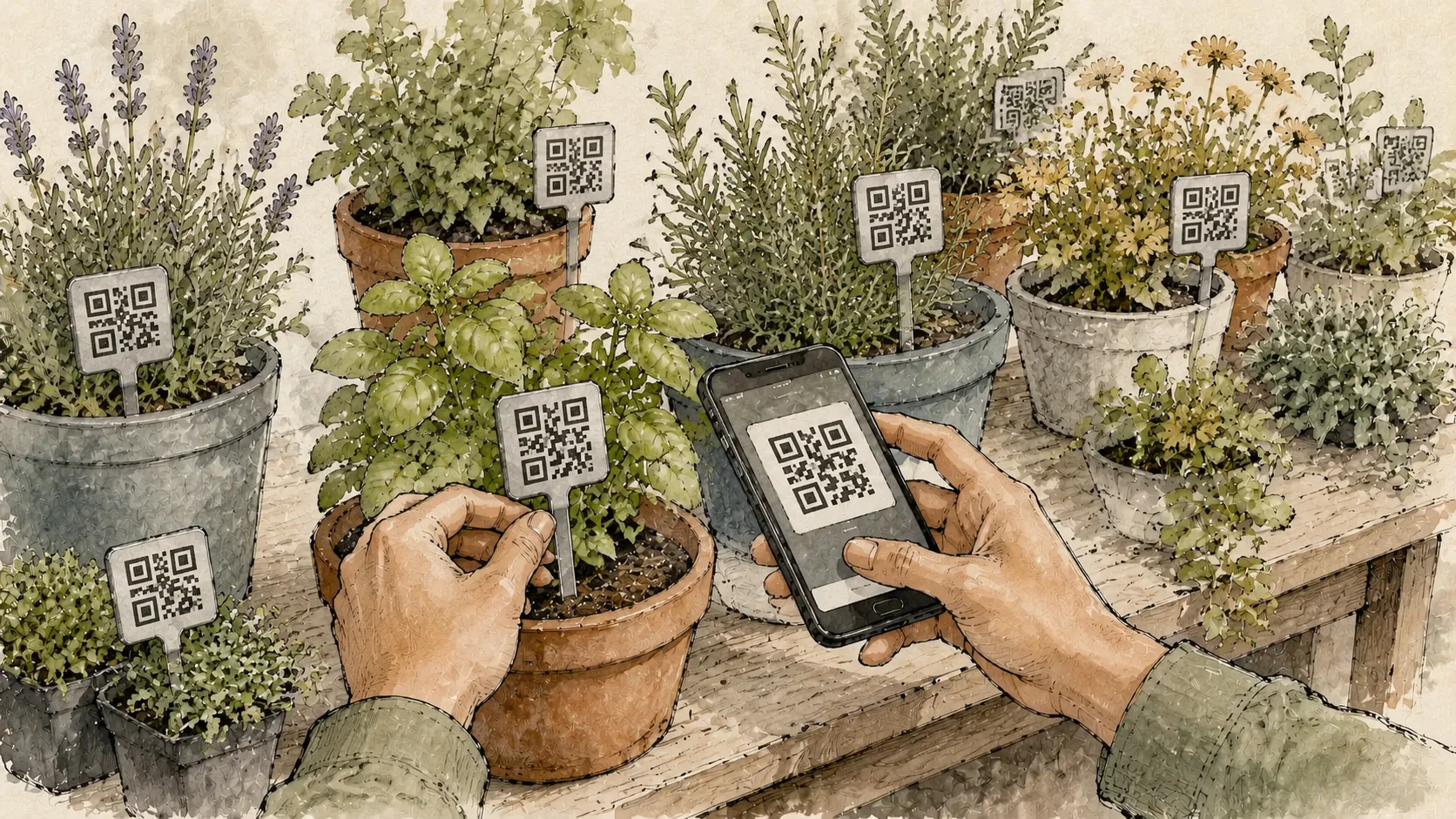
With a traditional label, care details usually go into memory or a separate notebook. With an Acemaker QR Plant Label, you can scan the label and add a watering entry or care note directly to that plant's record.
Sharing a plant with another person
A traditional tag shares only what fits on its surface. A public Plant Record can give a family member, helper, or visitor more context without asking the owner to rewrite the physical label.
Looking back next season
A physical name may identify the plant, but it cannot hold much history. A maintained Plant Record can keep notes, dates, and Plant Photos for later reference.
Who should choose each option?
Choose traditional labels when you:
- Need only a visible name.
- Are labeling temporary seedlings or plants that will move soon.
- Prefer a zero-technology workflow.
- Have a small garden with little history to retain.
Choose QR code plant labels when you:
- Want plant details and care notes tied to the physical tag.
- Need user-recorded watering history or growth updates in one place.
- Want to keep Plant Photos with the plant's record.
- Share care responsibilities with family, helpers, or a small growing team.
- Prefer updating a digital record instead of rewriting the physical label.
The practical verdict
There is no universal winner. Traditional labels are the simplest solution for visible identification; QR code labels are a stronger fit for durable identification plus a maintained digital history. If you want to evaluate the product, check the official Acemaker product listing. For the setup and recording workflow, read How to Label Plants. For a focused look at QR plant labels, see QR code plant labels; for the garden-marker angle, see QR code garden markers.