How to Use Acemaker QR Plant Labels
A step-by-step guide to scan, register, and log your plants
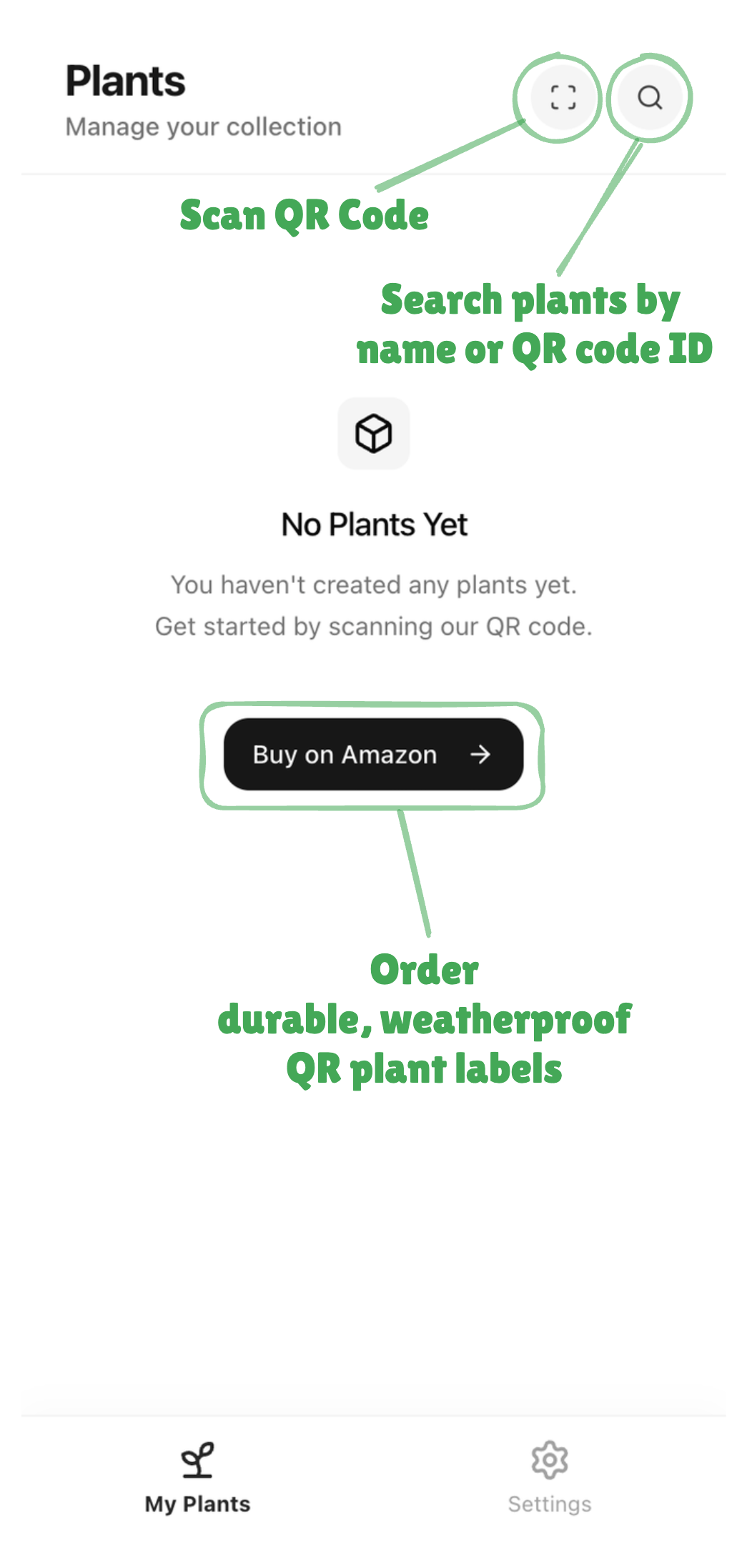
Sign In & Get QR Tags
After signing in, you'll see an empty dashboard. To get started, you'll need our QR plant tags.
Order QR Tags on AmazonYou can scan QR codes using your phone's built-in camera app (iOS Camera has QR scanning built-in).
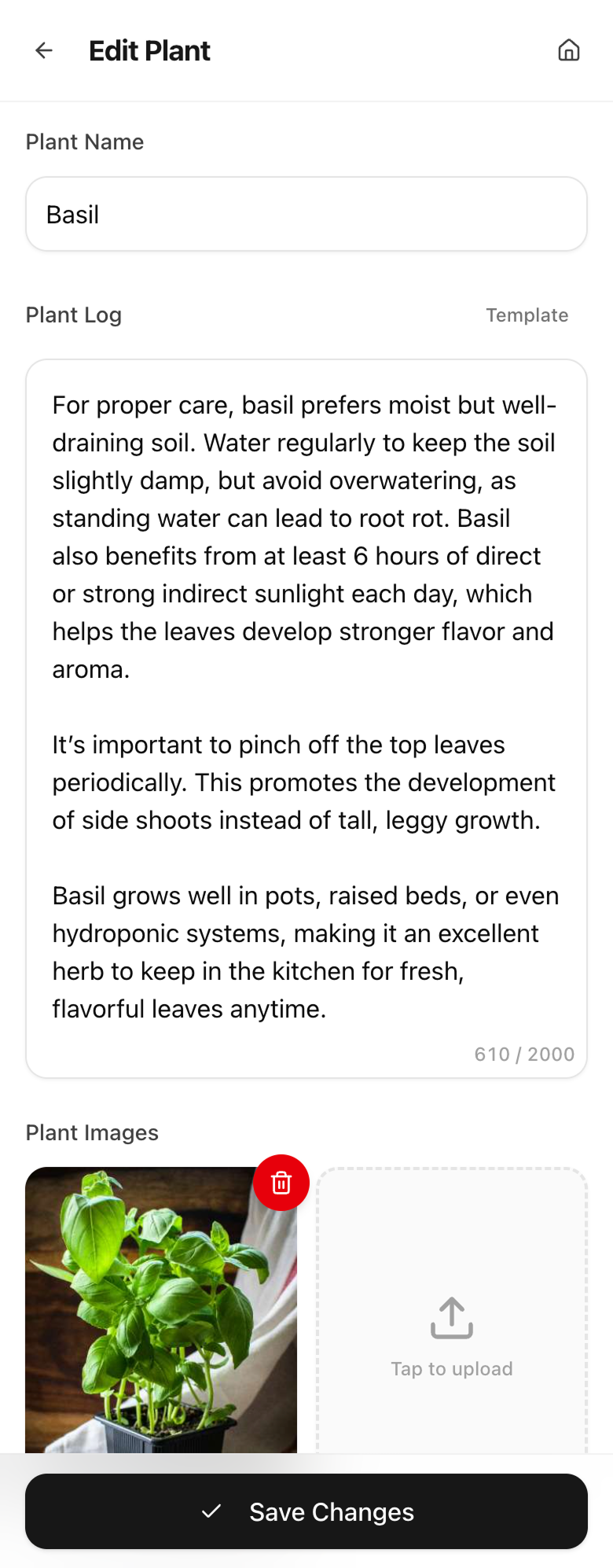
Scan QR Code & Add Plant Info
After scanning a QR code, you'll be taken to the edit page where you can:
- •Add a plant name (e.g., "Monstera Deliciosa")
- •Write detailed plant logs and care notes
- •Upload up to 2 photos of your plant
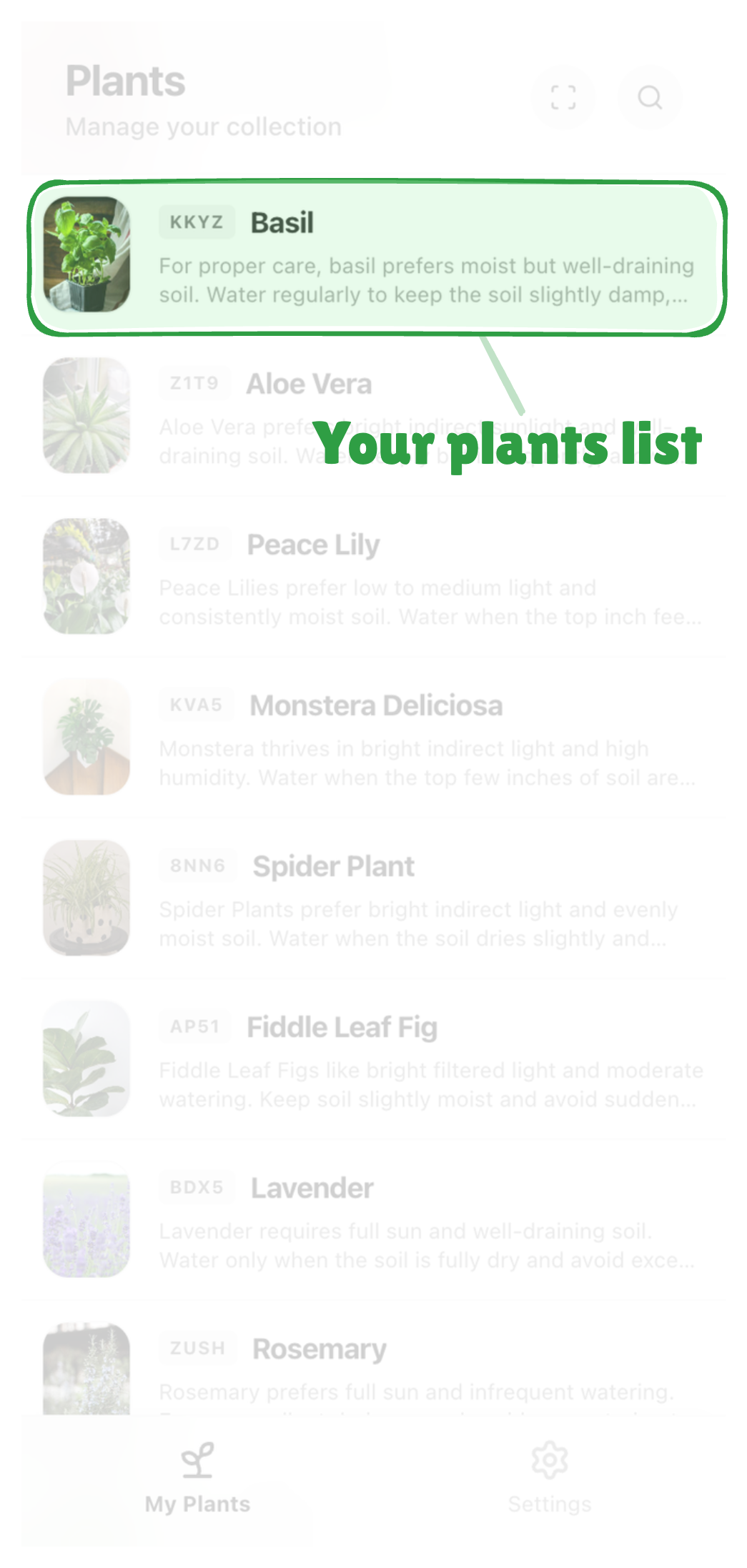
View Your Plant Collection
All your plants appear in the dashboard. You can search by name or QR code ID, and tap any plant to view its details.
View Details & Share
Generate a beautiful poster image of your plant to share with friends or on social media.
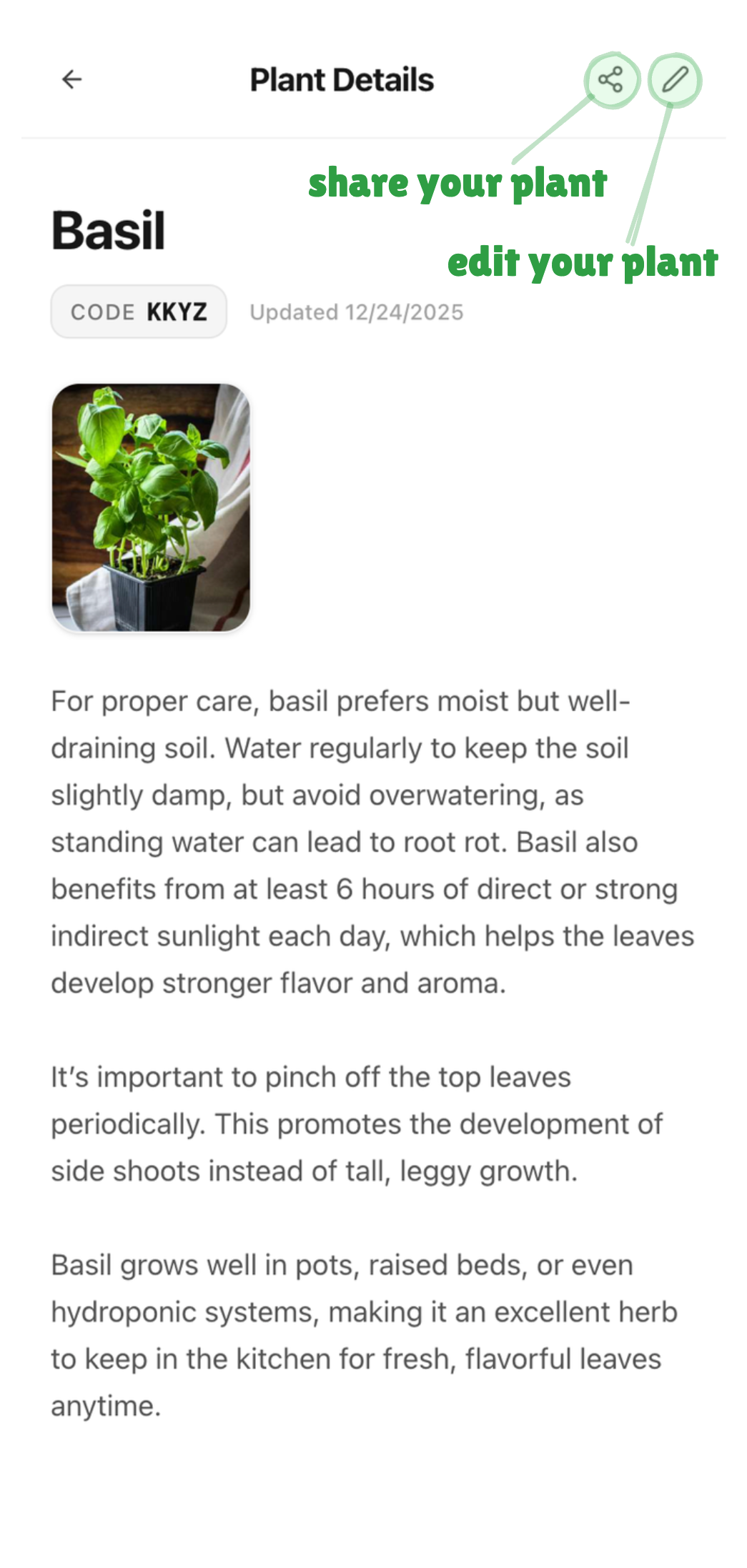
Plant Details
View info & edit
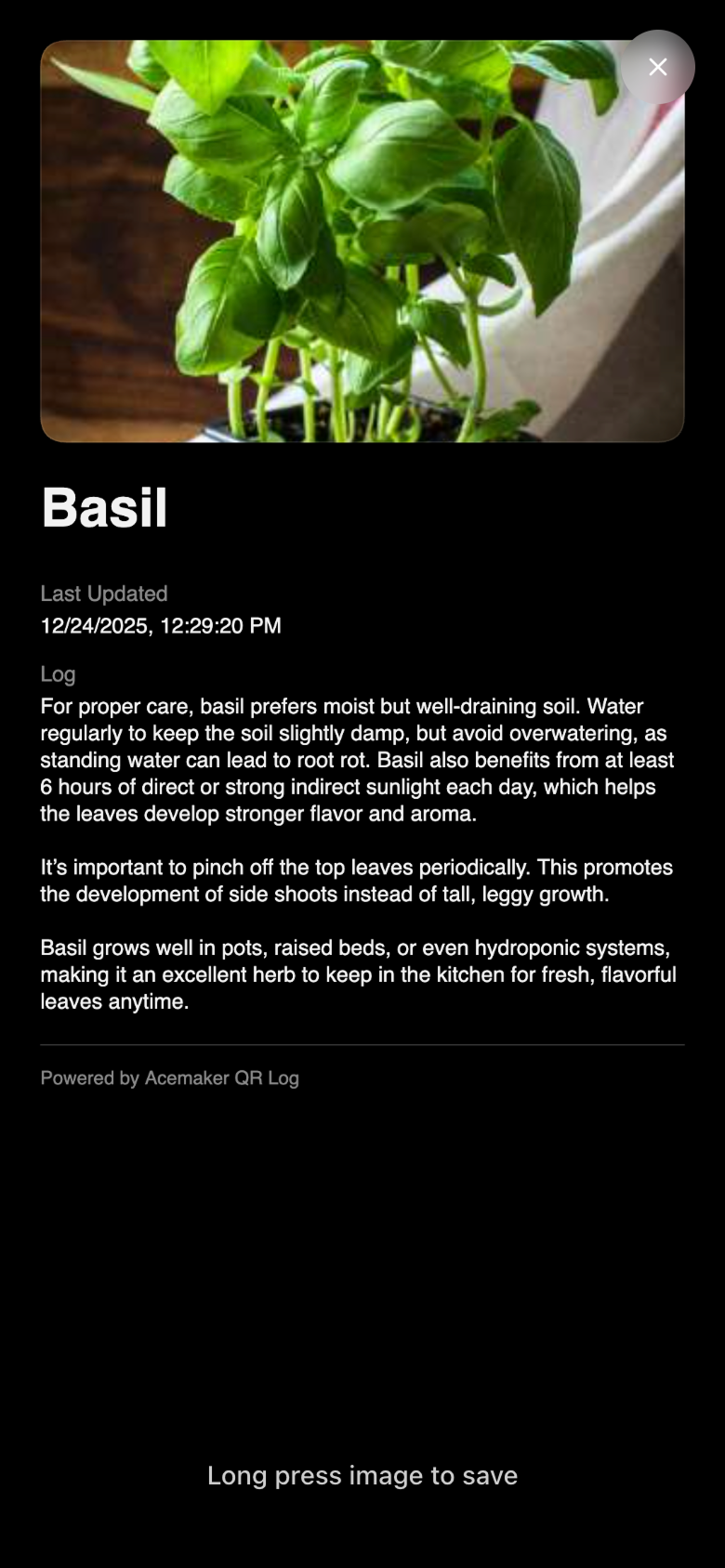
Share Poster
Generate & share
Manage Your Account
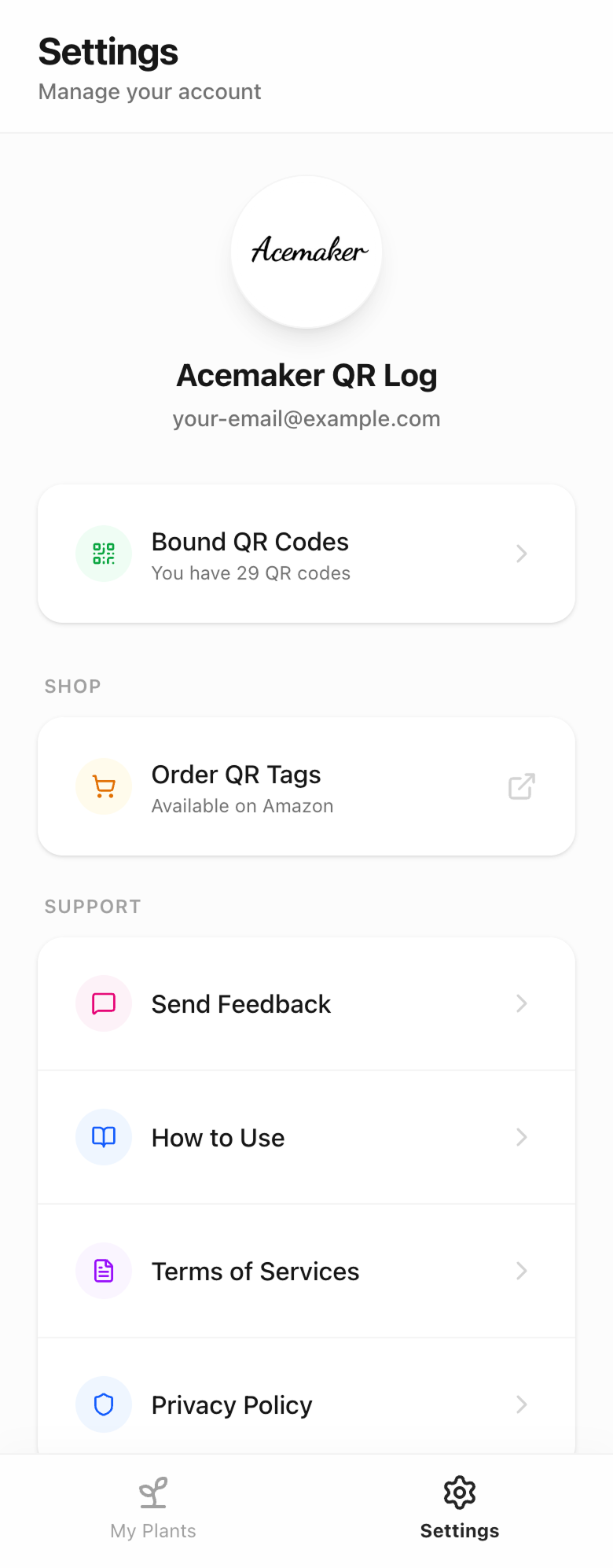
Access settings to view your bound QR codes count, manage your account, order more QR tags, or send us feedback.
Use Our Template
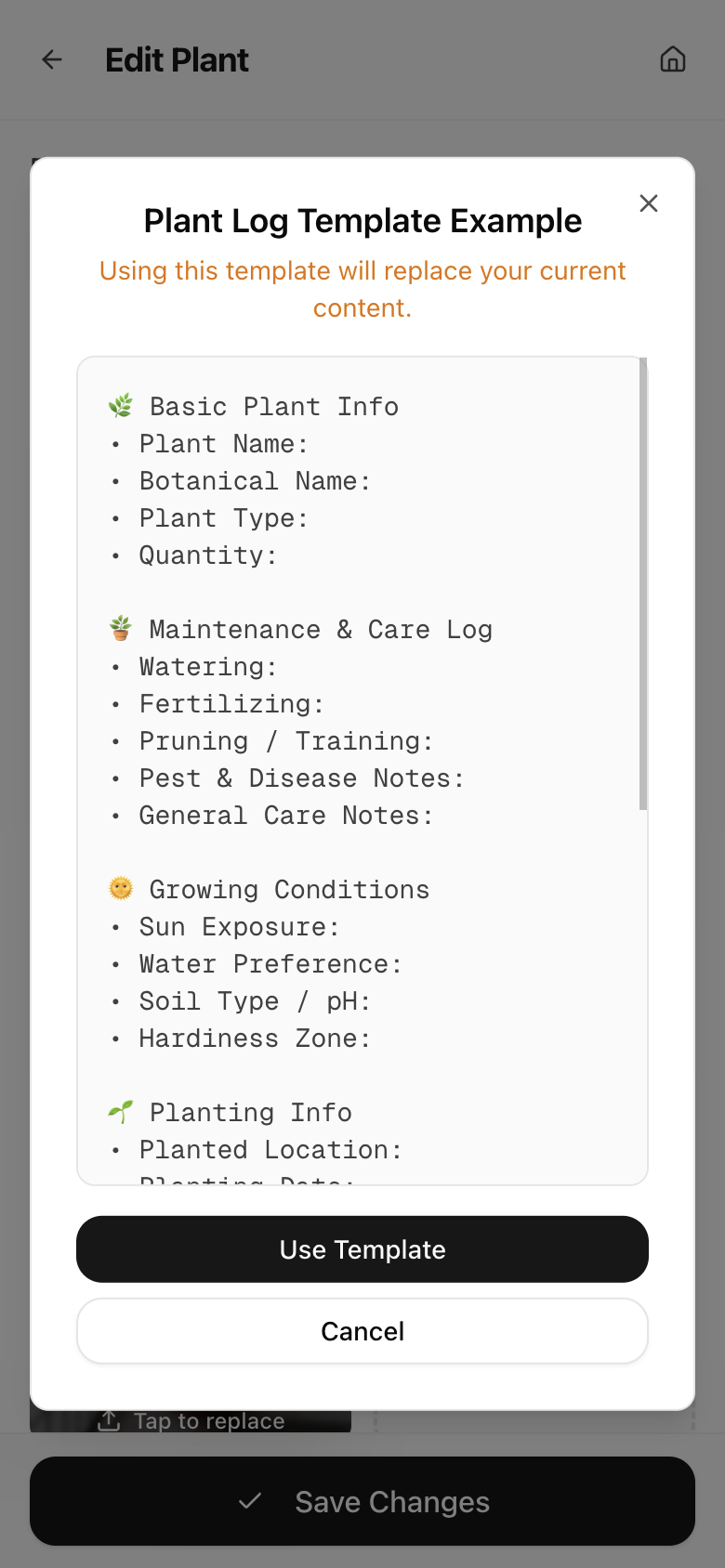
Click the "Template" button to use our structured plant log template. It includes sections for basic info, care logs, growing conditions, and more.
Ready to get started?
Start managing your plants with QR codes today